
To view the error log for a particular website
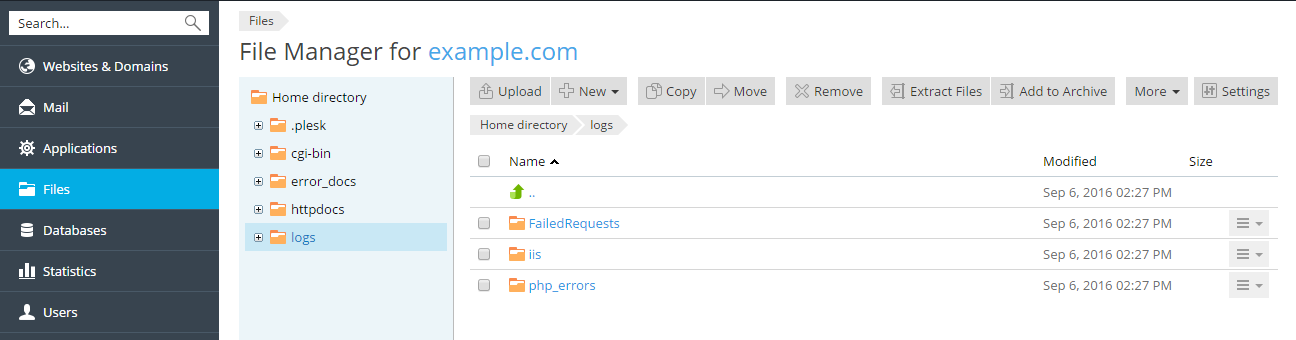
Go to Websites & Domains > the site’s domain name > click File Manager.
Alternatively, go to Files.
Select Logs in the left frame and click error_log in the list.
To view the error log for a particular website
Go to Websites & Domains > the site’s domain name > click File Manager.
Alternatively, go to Files.
Select Logs in the left frame and click error_log in the list.
Didn’t solve it?
Open a ticket with your domain name and what you’ve already tried — it gets you a faster answer.