
For each website in your subscription you can turn on the support for the following programming and scripting languages:
- Server Side Includes (SSI)
- PHP hypertext preprocessor (PHP)
- Common Gateway Interface (CGI)
- Fast Common Gateway Interface (FastCGI)
- Perl
- Python.
To turn on support for a particular scripting language, go to Websites & Domains > Hosting Settings, select the checkboxes next to the required scripting languages, and click OK. If you do not see the Hosting Settings link, contact your hosting provider.
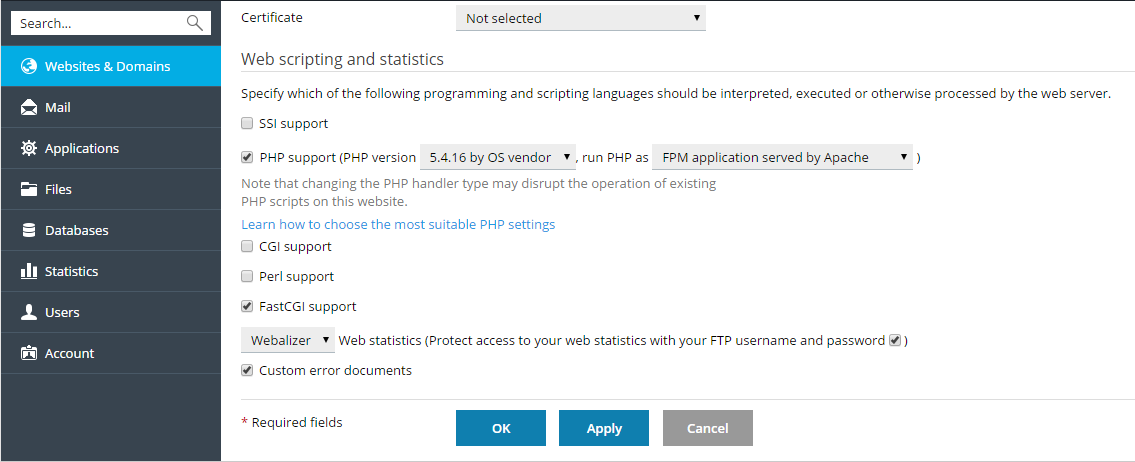 You can configure PHP settings individually for each website (or subdomain) in your subscription. To learn about custom PHP configuration, refer to the section PHP Settings.