
If you host websites on your account and have a standalone DNS server acting as a primary (master) name server for your sites, you may want to set up the ApaxonHost’s DNS server to function as a secondary (slave) name server.
To make the ApaxonHost’s DNS server act as a secondary name server:
Go to Websites & Domains and click the domain name whose DNS settings you want to manage.
Click DNS Settings.
Click Master/Slave to switch DNS server mode.
Click Add Record.
Specify the IP address of the primary (master) DNS server.
Click OK, and then click Update.
Repeat steps from 2 to 6 for each website that needs to have a secondary name server on your server.
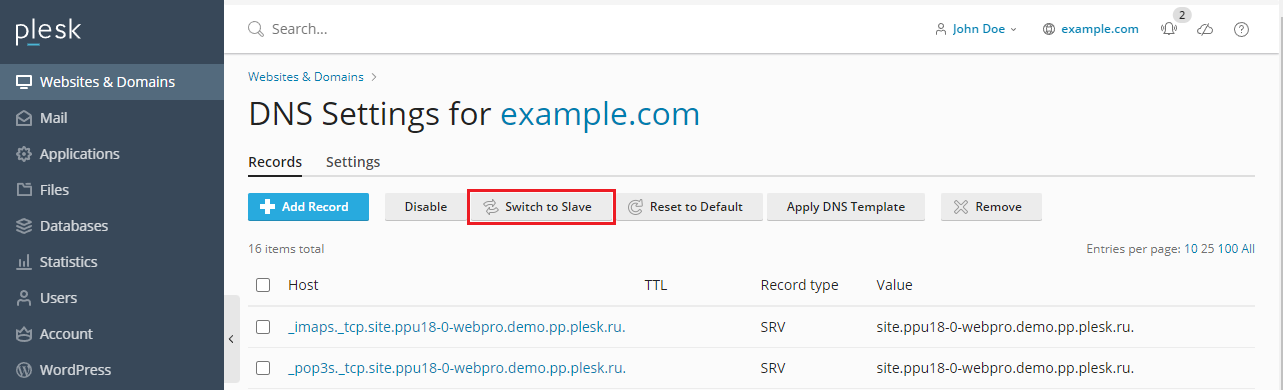
To make the ApaxonHost’s DNS server act as a primary back:
Go to Websites & Domains and click the domain name whose DNS settings you want to manage.
Click DNS Settings.
Click Master/Slave to switch DNS server mode.
The original resource records for the zone will be restored.