
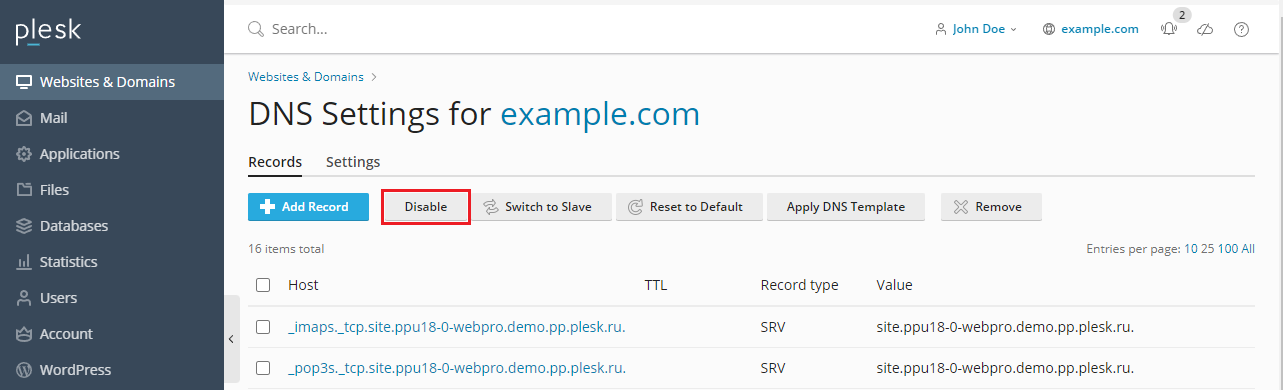
By default, domains created in ApaxonHost use the ApaxonHost DNS server for name resolution. However, in some situations this is not desirable. For example, if you are using a third-party DNS server or servers that are authoritative for your domain, it is recommended to disable the ApaxonHost DNS service for the domain. To do so, go to Websites & Domains > DNS Settings and click Disable. If, at a later time, you change your mind, click Enable to switch the ApaxonHost DNS service for the domain back on.
 While the ApaxonHost DNS service for a domain is disabled, you can check whether the DNS records stored on the third-party DNS server are correct. To do so, go to Websites & Domains > DNS Settings, click Add Record, type in the domain name of the third-party DNS server, and click the
  icon next to the name of the DNS server you have just added. ApaxonHost will retrieve the list of DNS records from the third-party DNS server, compare them to the DNS records for the domain stored in the ApaxonHost database, and warn you of any discrepancies.