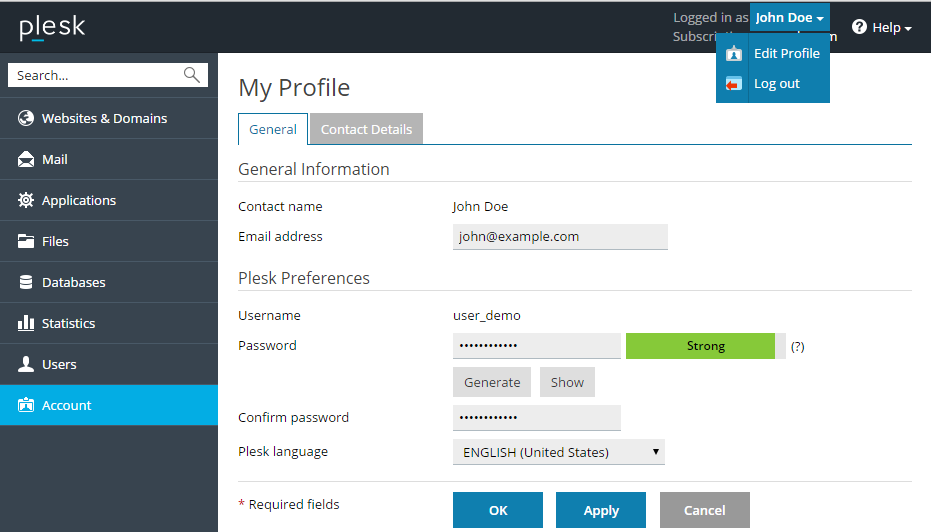
To change your password for access to the Customer Panel:
Click a link with your name at the top of the screen.
Click Edit Profile.
In the profile settings, type a new password, confirm it and click OK.
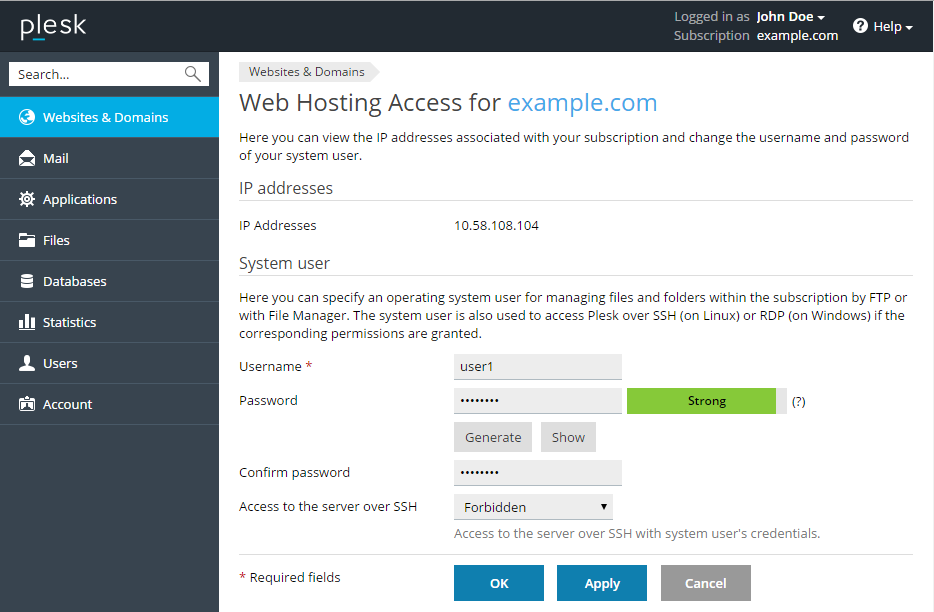
To change a username or password that you use for connecting to your subscription over FTP or SSH:
Go to Websites & Domains.
Click Web Hosting Access.
Type the new username or password, and click OK.
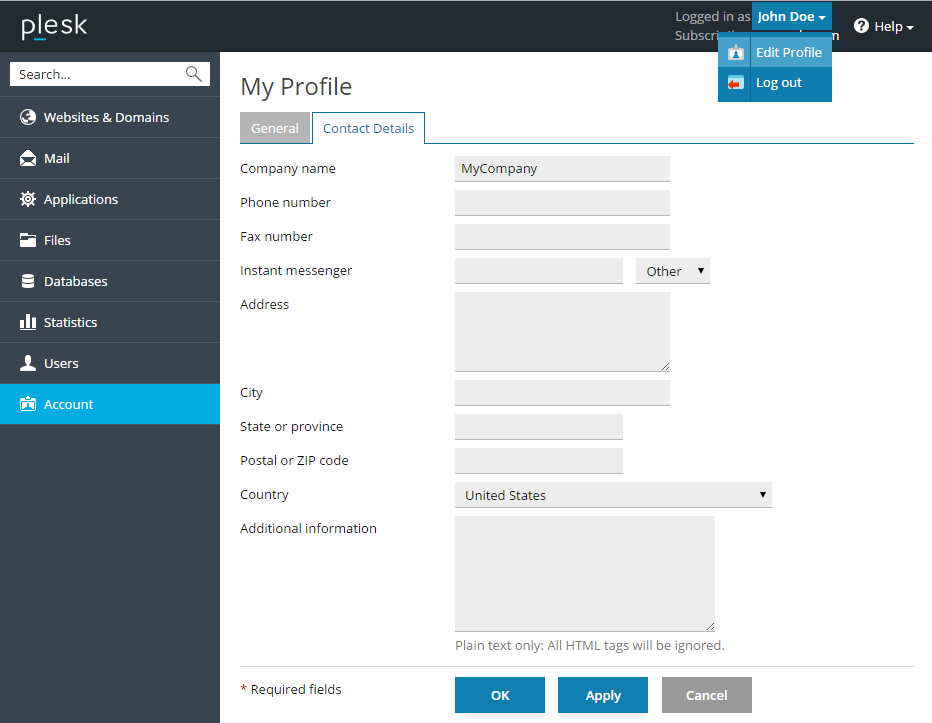
To change your contact information:
Click the link with your name at the top of the screen.
Click Edit Profile.
Select the Contact Details tab.
Update your contact information and click OK.